A calm middle for your icons
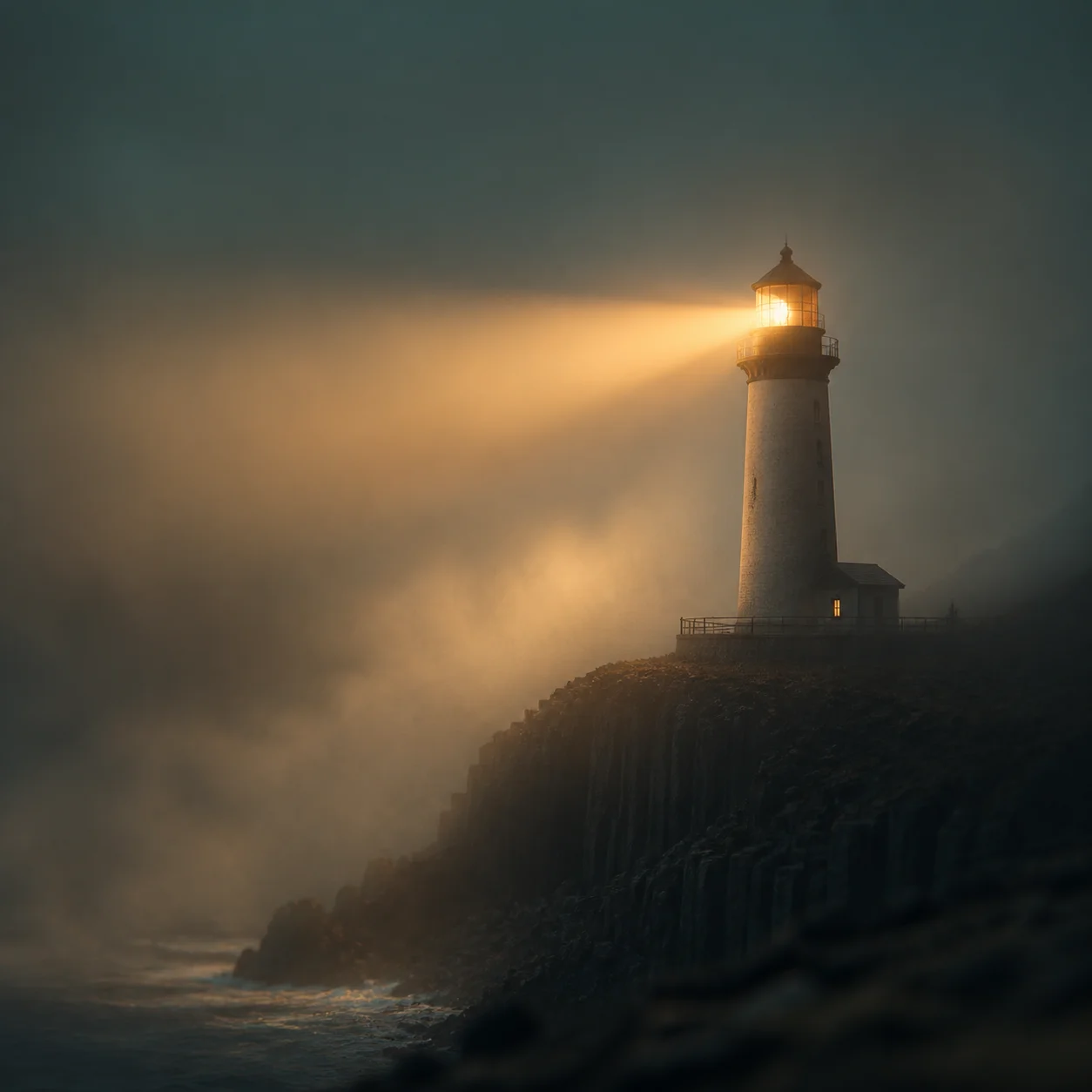
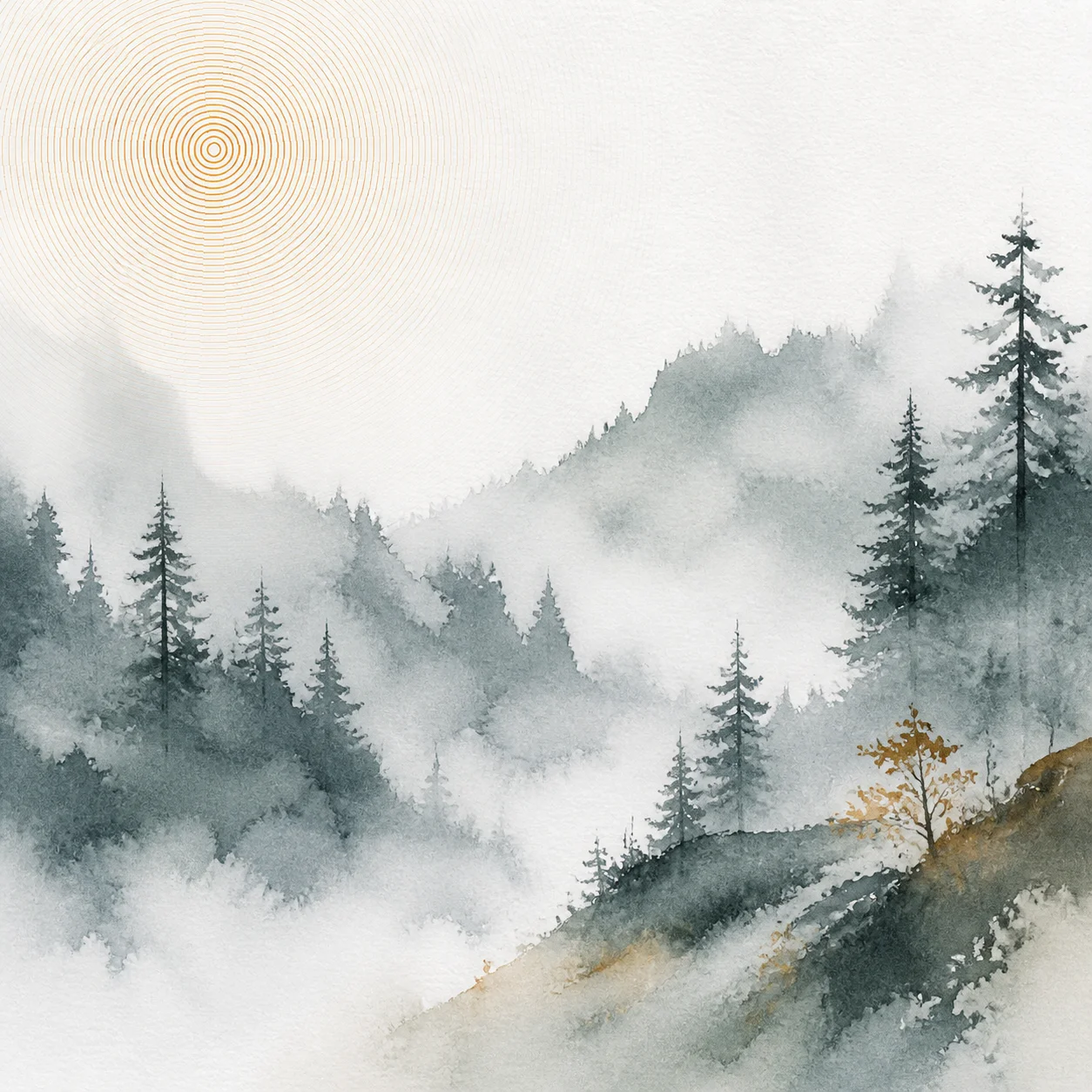
Desktop icons and phone widgets land in the upper left and across the centre. Ask for the interesting part of the composition to sit low, or off to one side.
A wallpaper is the one image you see a hundred times a day, mostly through a layer of icons, widgets and a clock. Artlist renders that background free, at full resolution, with nothing written across it.
A wallpaper is not a picture you look at. It is a surface you look past, every day, for months. That single fact flips most of the usual advice about making a striking image.
Desktop icons and phone widgets land in the upper left and across the centre. Ask for the interesting part of the composition to sit low, or off to one side.
A high-contrast image fights every window you open on top of it. Soft gradients and close tonal values keep labels readable and stay restful after the first week.
Distance, haze and layered planes hold up at any screen size. Dense micro-detail turns into visual noise the moment a row of folder names sits over it.
Pick one dominant hue and let everything else fall away. Saturated multi-colour backgrounds look great in a preview and become tiring by the third day.
Name the scene, how far away it sits, the light, and which region of the frame stays empty. On a wallpaper that last clause matters more than anywhere else — it is where your icons will live.
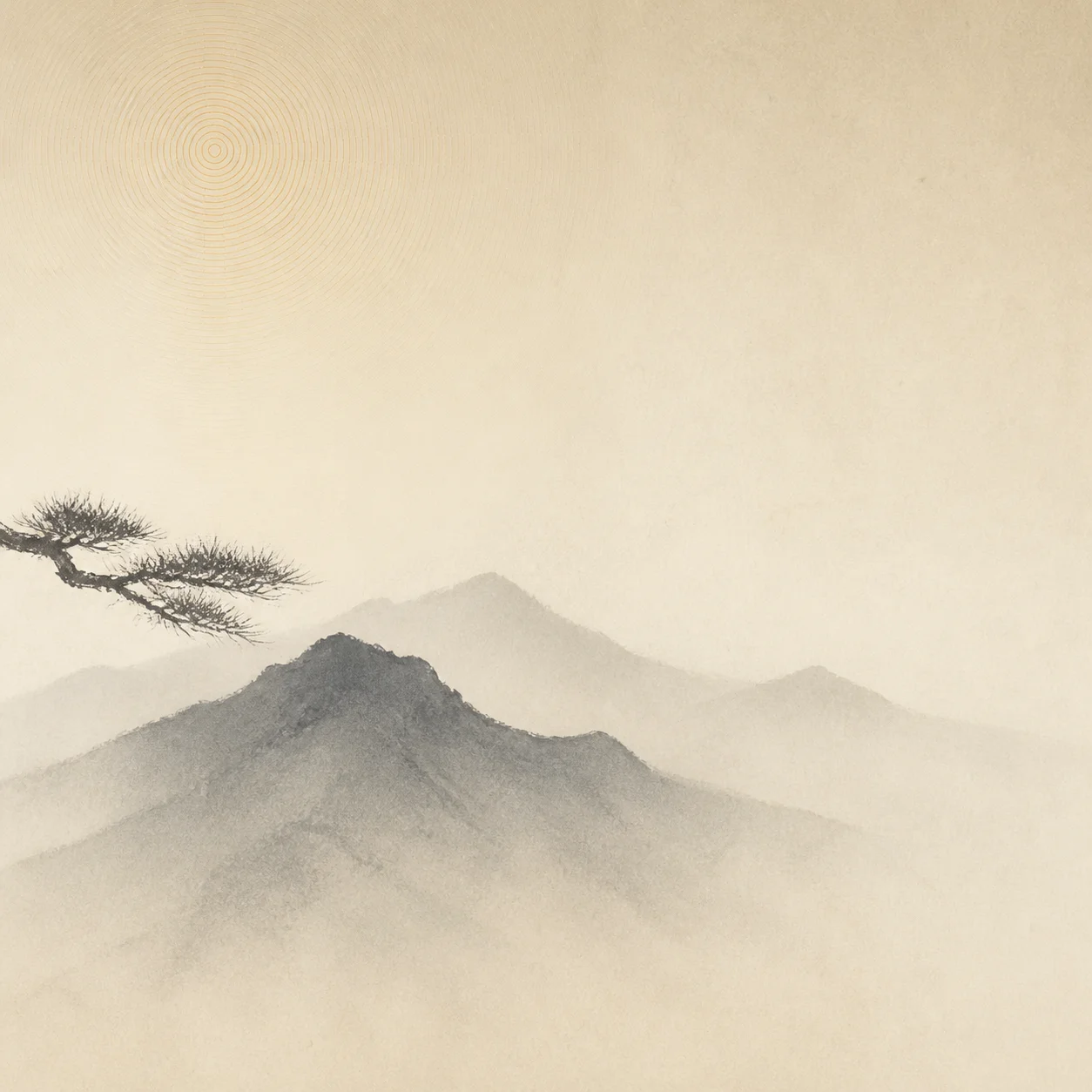
A single dark ridge line against a pale grey sky, extreme negative space, soft morning haze, subject confined to the bottom fifth of the frame, flat empty sky above
The whole upper frame stays free for icons and windows.
A deep indigo night sky with a faint band of stars, no horizon, gentle vignette, darkest region across the centre of the frame, subtle grain
Dark through the middle so the clock and notifications stay legible.
Near-black background with a slow charcoal to deep violet gradient, one soft light bloom in the lower right corner, no objects, no texture detail
Pairs with a dark interface without washing out window edges.
Layered blue mountain ridges receding into mist, cool overcast light, no foreground, low horizon, wide flat sky, painterly and soft
Layered depth reads at any resolution and never turns noisy.
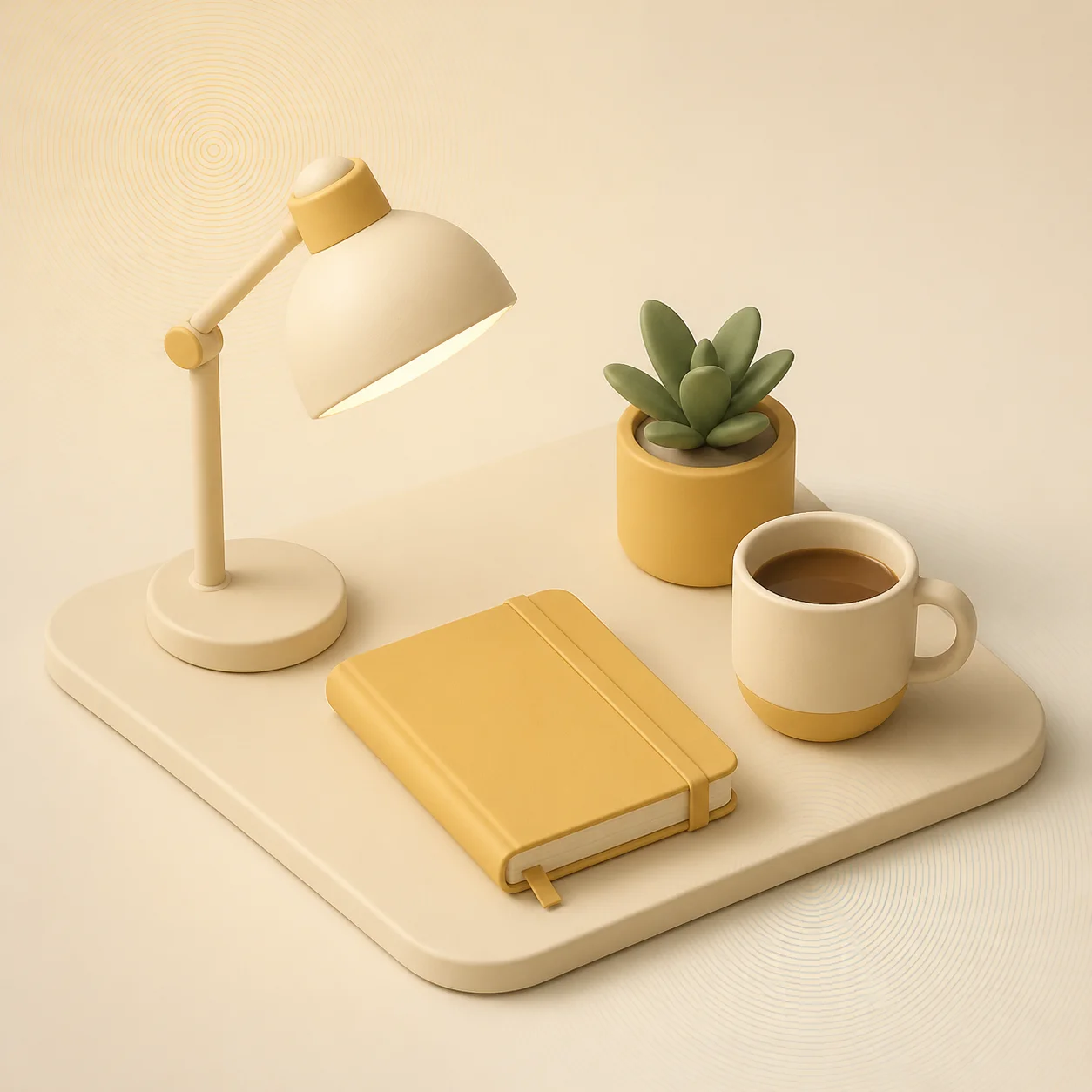
Smooth muted gradient from sand to dusty rose, soft blurred shapes drifting through it, fine film grain, no hard edges anywhere
The safest choice when the desktop itself is already busy.
An empty salt flat under a wide pastel sky, horizon low and dead level, extreme distance, no landmarks, gentle warm light from the left
A level horizon survives being trimmed to a very wide crop.
What to leave out. Skip faces, lettering and busy foregrounds. A face in a wallpaper stares back at you all day, and anything sharp in the near field competes with the icons sitting on top of it. Long adjective lists tend to push the model straight towards clutter.
How to iterate. Change one clause at a time — first where the empty region sits, then the colour temperature, then the light. Nothing here is metered, so it costs nothing to render the same idea in six moods and keep the calmest one.
Artlist has no device presets. There is no button carrying a phone maker's name and no export pack that spits out nine sizes at once.
You choose an aspect ratio in the generator — square, landscape, portrait or widescreen — and get back one high-resolution PNG in that shape. Setting it as a wallpaper is a two-tap job on any operating system, and every one of them will scale or crop it to fit the screen it is on.
Where wallpapers land, and what to generate
Reference| Where it appears | Common shape | Generate at |
|---|---|---|
| Laptop or desktop background | 16:9 | Widescreen, use as is |
| Phone home and lock screen | 9:16 | Portrait, trim the sides |
| Tablet held upright | 3:4 | Portrait, trim top and bottom |
| Ultrawide monitor | 21:9 | Widescreen, trim top and bottom |
| Square panel or second display | 1:1 | Square, use as is |
Operating systems re-crop a wallpaper when you rotate a device or plug in a second monitor, so treat the table as common shapes rather than a specification. Keep the part you care about away from the outer eighth of the frame and no crop can cut it in half.
The wallpaper workflow is the one the rest of Artlist uses. It all happens in the generator above, and nothing asks who you are.
Scene, distance, light, dominant colour, and which region stays empty for icons. Borrow a recipe above and change the setting.
Pick your aspect ratio hereOne silent Turnstile challenge keeps automated traffic out of the render queue. No email, no password, no confirmation link.
One tap, no accountThe full-resolution PNG arrives inline in seconds. Save it, set it as your background, then live with it for a day.
No watermark, no preview fileThe free AI art generator behind this page also covers the four briefs below, each with its own prompt guidance.
Artwork built to survive being shrunk into a feed — one subject, hard light, and a quiet third left for your headline.
ExploreStills for an edit — title backdrops, establishing plates and chapter cards that hold still while text moves over them.
ExploreArtwork for something printed — one idea readable across a room, with the type set afterwards in your own tool.
ExploreWhat you may actually do with the file — no per-use fee, no attribution line, no watermark, and where the real limits are.
ExploreYes. There is no credit balance, no trial window and no paid tier behind it. You write a prompt, pass a single human check and download the finished image. A light rate limit exists only to keep automated traffic from starving the render queue.
Not automatically. Artlist returns one high-resolution PNG in the aspect ratio you picked, and your operating system scales and crops it to the screen. Choosing the closest shape — widescreen for a laptop, portrait for a phone — leaves the least to crop.
Yes, on as many as you like. There is no per-device licence, no activation and no limit on how often you download the same image. Generating a second version in the other aspect ratio usually beats stretching one file across both.
No. Nothing is stamped on the image and no reduced preview is substituted for the real file. What renders in the generator is exactly what you download.
More on how the generator behaves in the full FAQ, or browse the art style library for a look to start from.
Take one of the recipes above, change the scene, and let the free AI art generator do the rest. No sign-up screen, no credit meter, no watermark.