Something will sit on top of it
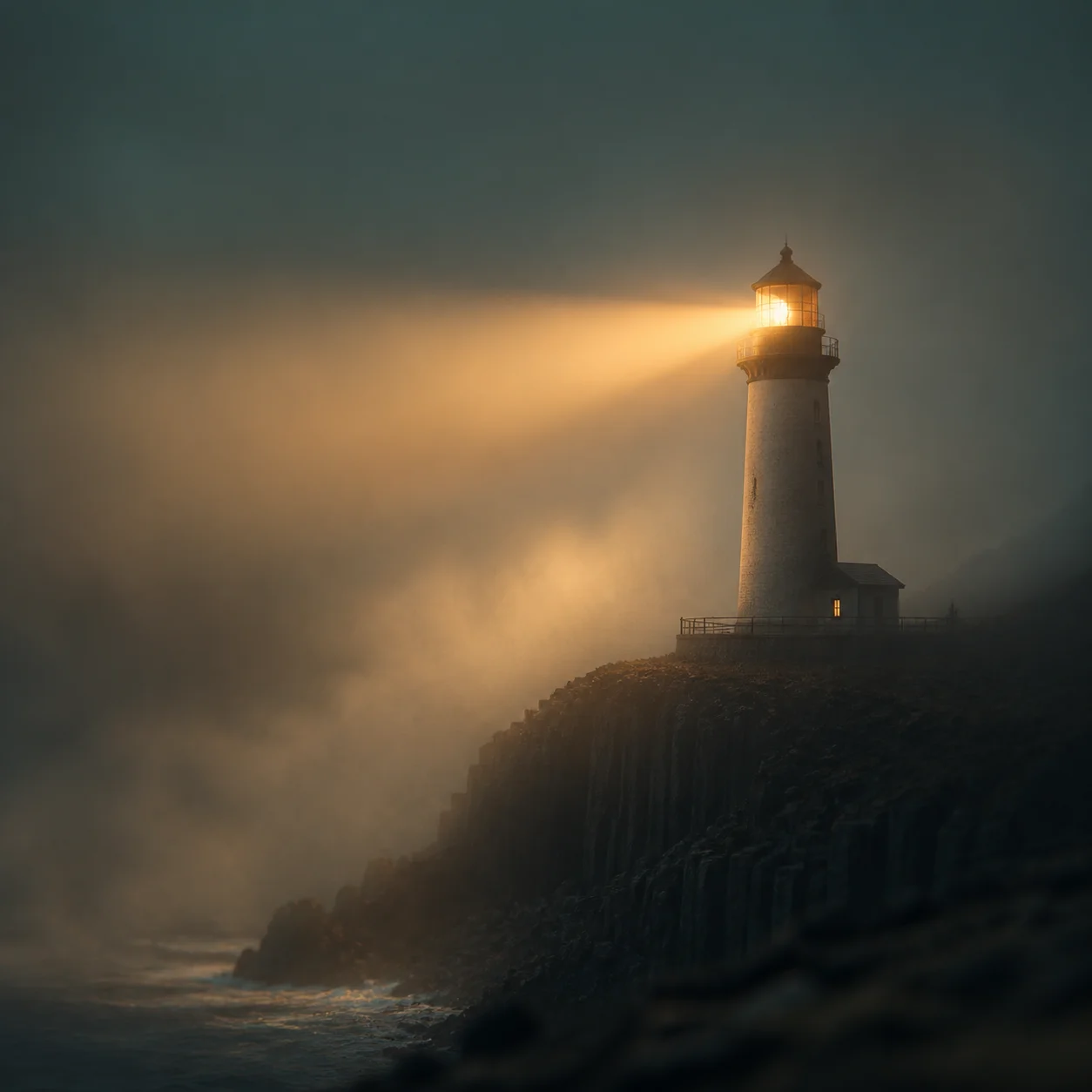
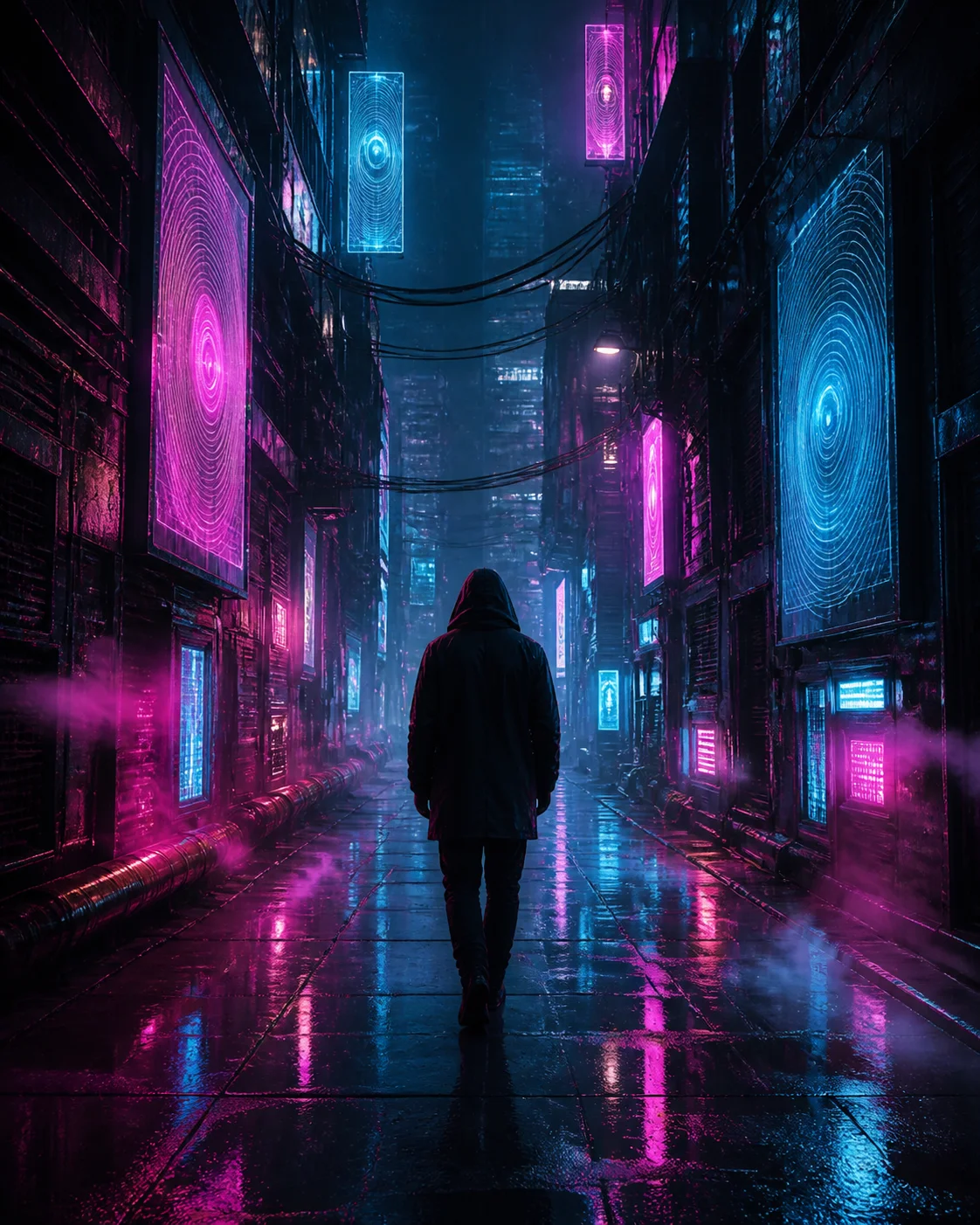
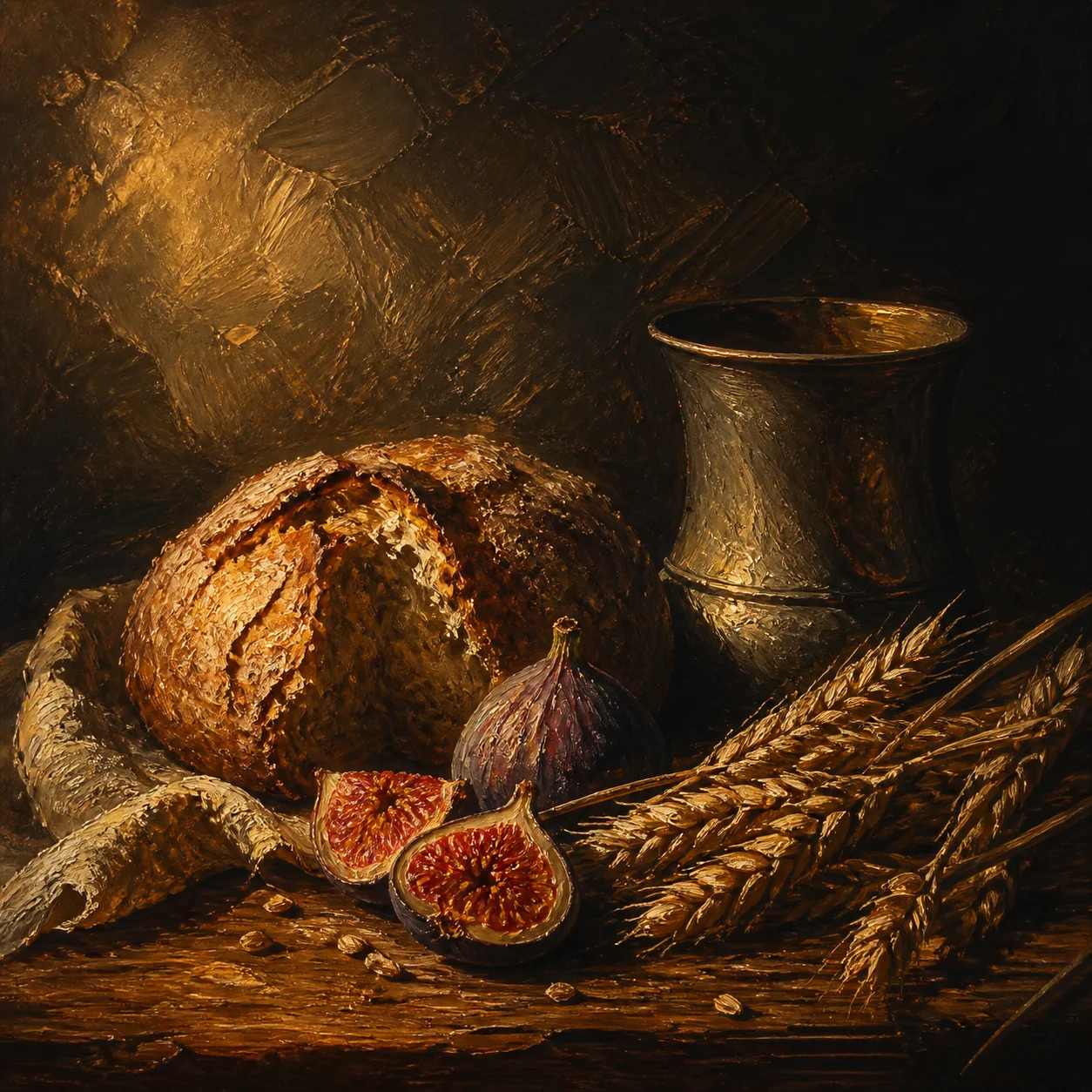
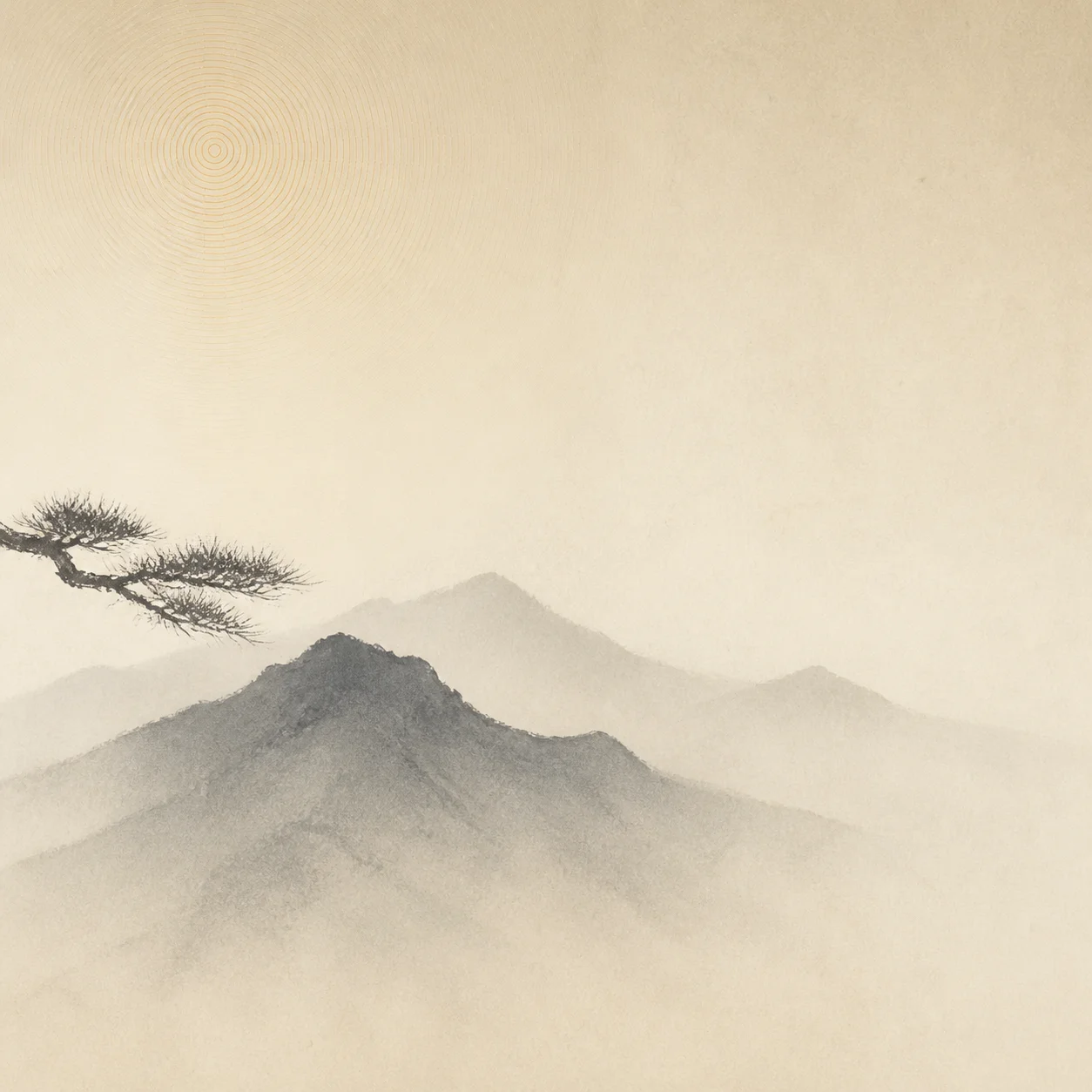
Titles, captions, lower thirds and logos all land on the frame later. Ask for a large quiet region and put the interesting part somewhere else.
An edit eats still frames — title backdrops, establishing plates, chapter cards, the thing sitting behind a lower third. Artlist renders them free, at full resolution, with nothing stamped across the middle.
A frame that works as a picture often fails as a plate. It gets text laid over it, a slow push-in across it, a grade applied to it, and it has to match the shots on either side.
Titles, captions, lower thirds and logos all land on the frame later. Ask for a large quiet region and put the interesting part somewhere else.
Any slow zoom or reframe eats the edges. Keep the subject well inside the frame so a ten percent move does not clip it.
Name the same grade, time of day and lens feel in every prompt for a sequence. A frame two stops brighter than the shot before it reads as a mistake.
Video is compressed and slightly soft; a razor-sharp still cuts against footage. Asking for film grain and gentle atmosphere makes a plate sit inside the timeline instead of on top of it.
Name the subject, the framing, the light and the grade — then say where the frame stays empty for type. Across a sequence, keep the grade clause identical and change only the subject.
A wide empty desert road at blue hour, low flat horizon, cool desaturated grade, heavy negative space across the upper two thirds, soft atmospheric haze
Two thirds of empty sky for the title and the subtitle.
A rain-slicked city street seen from a rooftop at dusk, wide lens, warm sodium lights against cool shadow, deep haze, no people, cinematic grade
Sets the place in one frame, before the first line of narration.
A softly blurred bookshelf interior, shallow depth of field, warm tungsten key from the left, lower left corner darkened and simplified, gentle film grain
Blurred and dark exactly where the name and the title will sit.
A single black cypress tree on a pale grey field of fog, centred, extreme minimalism, flat even light, huge empty margins on both sides
Quiet enough to hold a chapter number and nothing else.
Slow drifting charcoal smoke on a near-black background, no clear shapes, even density across the whole frame, soft grain
No focal point, so a slow move across it never reveals a seam.
A matte deep navy backdrop with a soft off-centre light bloom, no objects, subtle vertical gradient, clean and even, generous empty right half
Room on the right for end-screen cards and closing titles.
What to leave out. Do not ask for your title inside the frame. Image models garble longer words and will not repeat the same lettering across a set, so type belongs in your editor where you can still change it. Skip crowds and busy foregrounds — they fight every overlay you add later.
How to iterate. Lock the grade clause first, then change only the subject for each frame in the sequence. Nothing here is metered, so rendering six variations of one plate and keeping whichever cuts best costs nothing but the time.
Artlist makes still images, not video. There is no motion, no export preset carrying an editor's name and no automatic pack of deliverables.
You pick an aspect ratio in the generator — square, landscape, portrait or widescreen — and get one high-resolution PNG in that shape. Dropping it on a timeline, scaling it and adding a slow move is a job for your editor, and that is also where any motion comes from.
Where a still lands in an edit
Reference| Where it appears | Common shape | Generate at |
|---|---|---|
| Full-frame title or end card | 16:9 | Widescreen, use as is |
| Vertical short or reel plate | 9:16 | Portrait, trim the sides |
| Plate for a slow push-in | 16:9 | Widescreen, leave a safety margin |
| Square social cut-down | 1:1 | Square, use as is |
| Letterboxed cinematic frame | roughly 2.39:1 | Widescreen, trim top and bottom |
Delivery specs change between platforms and between years, so treat the table as common shapes rather than a specification. One habit covers most of it: keep anything that matters clear of the outer eighth of the frame, and no reframe or safe-area crop can take it.
The workflow is the one the rest of Artlist uses. It all happens in the generator above, and nothing asks who you are.
Subject, framing, light, grade, and which region stays empty for type. Borrow a recipe above and change the location.
Pick your aspect ratio hereOne silent Turnstile challenge keeps bots out of the render queue. No email, no password, no verification link.
One tap, no accountThe full-resolution PNG arrives inline in seconds. Drop it on the timeline, add your move, then add your type.
No watermark, no preview fileThe free AI art generator behind this page also covers the four briefs below, each with its own prompt guidance.
Artwork built to survive being shrunk into a feed — one subject, hard light, and a quiet third left for your headline.
ExploreBackgrounds you can actually live behind — a calm middle for your icons, low contrast, and depth instead of detail.
ExploreArtwork for something printed — one idea readable across a room, with the type set afterwards in your own tool.
ExploreWhat you may actually do with the file — no per-use fee, no attribution line, no watermark, and where the real limits are.
ExploreNo. Artlist renders still images. What it gives an edit is plates — title backdrops, establishing frames, chapter cards and end-card backgrounds — which you animate in your editor with a scale or a slow move.
Yes. There is no credit balance, no trial window and no paid tier behind it. You write a prompt, pass a single human check and download the finished image. A light rate limit exists only to keep automated traffic from starving the render queue.
Yes. Artlist places no licence conditions on what you generate and nothing is watermarked, so the frames can go into monetised, sponsored or client work alike. Prompts naming a living artist or a trademark remain your responsibility.
Write one grade clause — time of day, colour temperature, lens feel, grain — and repeat it word for word in every prompt, changing only the subject. Frames prompted that way cut together far better than six separately styled renders.
More on how the generator behaves in the full FAQ, or read about using AI art commercially.
Take one of the recipes above, change the location, and let the free AI art generator render the plate. No sign-up screen, no credit meter, no watermark.