One idea, seen from four metres
A poster has room for a single image people can name at a glance. Second and third elements only survive at arm's length, and most viewers never get that close.
A poster is read twice: once from across a room, once from arm's length. Artlist renders the artwork for one free, at full resolution, and leaves the typography where it belongs — with you.
A poster competes with a wall of other posters, usually at four metres and usually in bad light. Everything below follows from that.
A poster has room for a single image people can name at a glance. Second and third elements only survive at arm's length, and most viewers never get that close.
Ask for the artwork and set the words yourself. Image models garble longer text, and a headline baked into a render cannot be fixed when the date or the venue changes.
Trimming eats a few millimetres on every edge and a frame rebate eats more. Ask for the subject to sit well inside the frame so nothing important lands where the blade goes.
Subtle gradients band and deep shadows fill in on uncoated stock. Fewer, stronger colours reproduce far more faithfully than a delicately lit photographic look.
Name the subject, the graphic treatment, the palette and the background — then say which band of the frame stays empty for your type. That last clause is what makes it a poster instead of a picture.
A single black electric guitar silhouette on a flat burnt-orange field, hard graphic shapes, no gradients, heavy empty band across the lower third
Flat colour and a hard silhouette. The empty band takes the line-up.
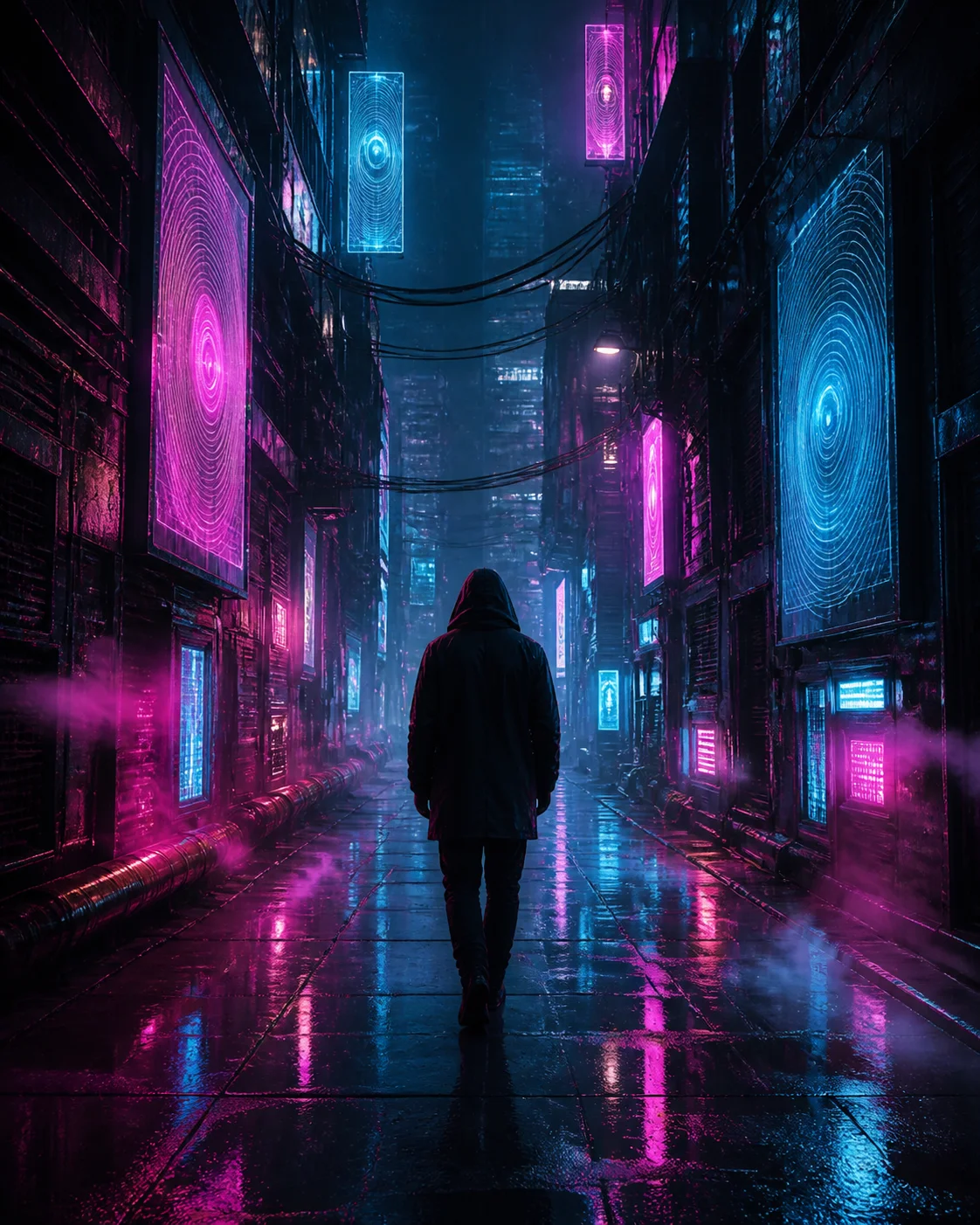
A lone figure standing at the end of a long corridor of light, extreme vertical composition, deep shadow, cold blue key light, wide empty area along the bottom
Vertical framing plus a dark base where the credits block sits.
An oversized ripe lemon on a flat cobalt background, hard studio light, crisp shadow, bold and simple, generous empty space around the subject
One object, two colours. Still legible pinned to a noticeboard.
A minimal arrangement of three stone forms on a pale sand ground, soft even daylight, muted neutral palette, wide empty margins on all sides
Quiet enough to hang, with margins that survive a frame.
A smooth deep green to charcoal gradient with a faint paper grain, no objects at all, even tone across the whole sheet
Pure ground for a poster carried entirely by its type.
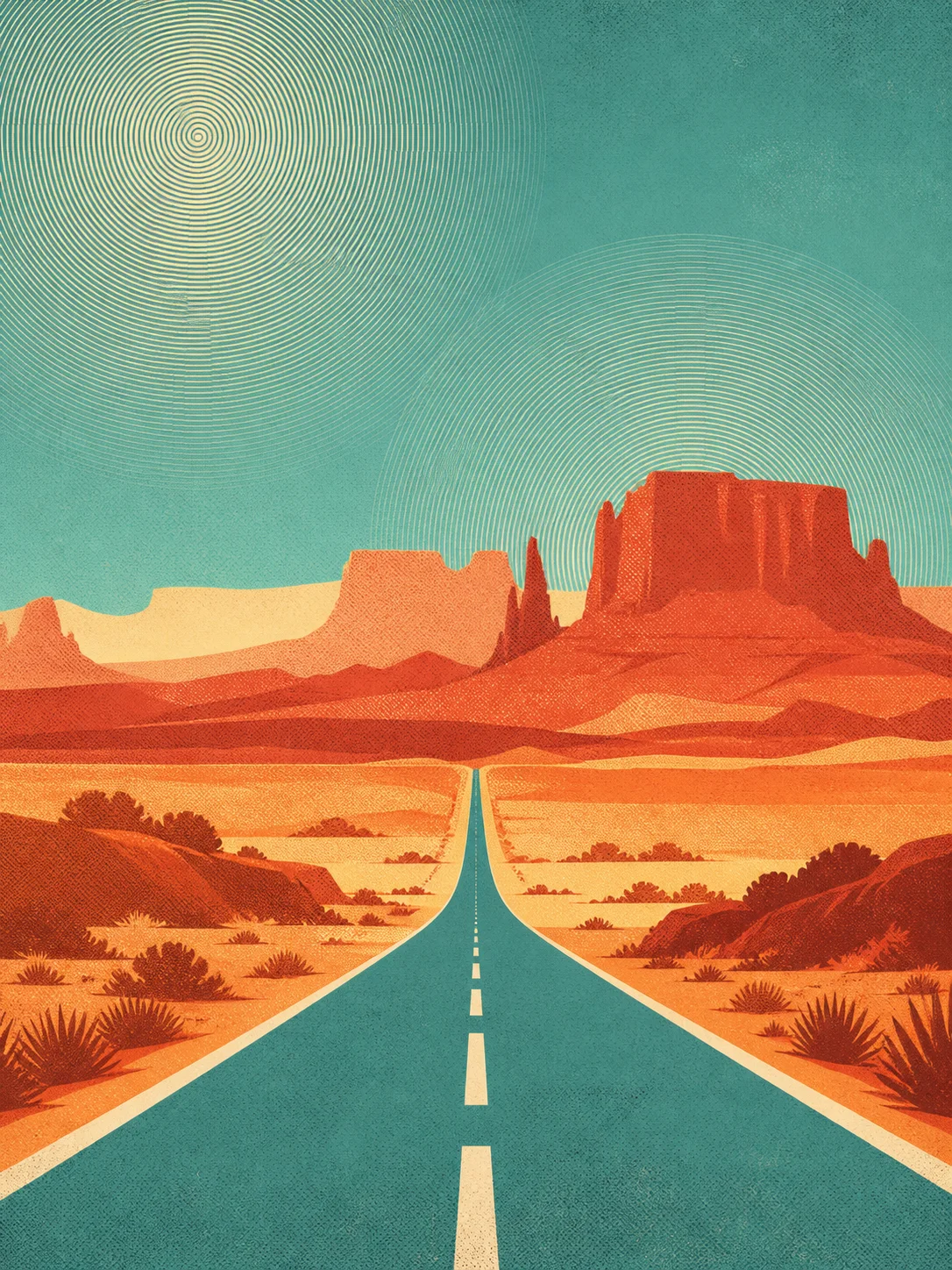
A stylised mountain range in four flat colours, screen-print look, visible ink texture, hard shapes, empty sky band across the top
The screen-print look reproduces well on almost any stock.
What to leave out. Do not ask for the title, the date or the venue inside the picture. Beyond a word or two, image models garble lettering and will not repeat it identically on a second render, so type set in a design tool is both cleaner and editable when the details change.
How to iterate. Change one clause at a time — palette first, then how graphic the treatment is, then where the empty band sits. Nothing here is metered, so printing a contact sheet of ten renders and choosing off the wall costs nothing.
Be clear about what this produces. Artlist returns a screen-resolution PNG in RGB, not a press-ready file: no CMYK conversion, no bleed box and no paper-size preset.
You pick an aspect ratio in the generator — square, landscape, portrait or widescreen — then crop that file to the sheet you are printing. At A4 or A3, viewed the way a poster actually gets viewed, the native render holds up; for anything much larger, plan on upscaling it first.
Where posters end up, and what to generate
Reference| Where it appears | Common shape | Generate at |
|---|---|---|
| A-series poster, A4 or A3 | roughly 1:1.41 | Portrait, trim top and bottom |
| Letter or tabloid flyer | roughly 1:1.29 | Portrait, trim top and bottom |
| Square announcement print | 1:1 | Square, use as is |
| Tall gig poster | 2:3 | Portrait, use as is |
| Landscape print or wall card | 3:2 | Landscape, use as is |
Print shops each have their own bleed and trim rules, so treat the table as common shapes rather than a specification. Keep the subject clear of the outer eighth of the frame and neither the trimmer nor a frame rebate can take a bite out of it.
The poster workflow is the one the rest of Artlist uses. It all happens in the generator above, and nothing asks who you are.
Subject, graphic treatment, palette, background, and which band stays empty for type. Borrow a recipe above and change the subject.
Pick your aspect ratio hereOne silent Turnstile challenge keeps bots out of the render queue. No email, no password, no verification link.
One tap, no accountThe full-resolution PNG arrives inline in seconds. Crop it to your sheet, set the headline in a design tool, then send it off.
No watermark, no preview fileThe free AI art generator behind this page also covers the four briefs below, each with its own prompt guidance.
Artwork built to survive being shrunk into a feed — one subject, hard light, and a quiet third left for your headline.
ExploreBackgrounds you can actually live behind — a calm middle for your icons, low contrast, and depth instead of detail.
ExploreStills for an edit — title backdrops, establishing plates and chapter cards that hold still while text moves over them.
ExploreWhat you may actually do with the file — no per-use fee, no attribution line, no watermark, and where the real limits are.
ExploreYes. There is no credit balance, no trial window and no paid tier behind it. You write a prompt, pass a single human check and download the finished image. A light rate limit exists only to keep automated traffic from starving the render queue.
No, and it is better that it does not. Image models garble longer words and rarely repeat the same lettering twice. Generate the artwork here, leave a quiet band in the composition, then set the type in any design tool — where changing a date later costs nothing.
At A4 and A3, viewed from normal poster distance, the native render holds up. Artlist returns a screen-resolution PNG in RGB with no bleed box and no CMYK conversion, so for anything larger you should upscale it and build the print file yourself before sending it off.
Yes. Artlist places no licence conditions on what you generate and nothing is watermarked, so printed runs and print-on-demand listings are both fine. Prompts naming a living artist or a trademark remain your responsibility.
More on how the generator behaves in the full FAQ, or see finished renders in the gallery.
Take one of the recipes above, change the subject, and let the free AI art generator make the artwork. You bring the type. No sign-up screen, no credit meter, no watermark.